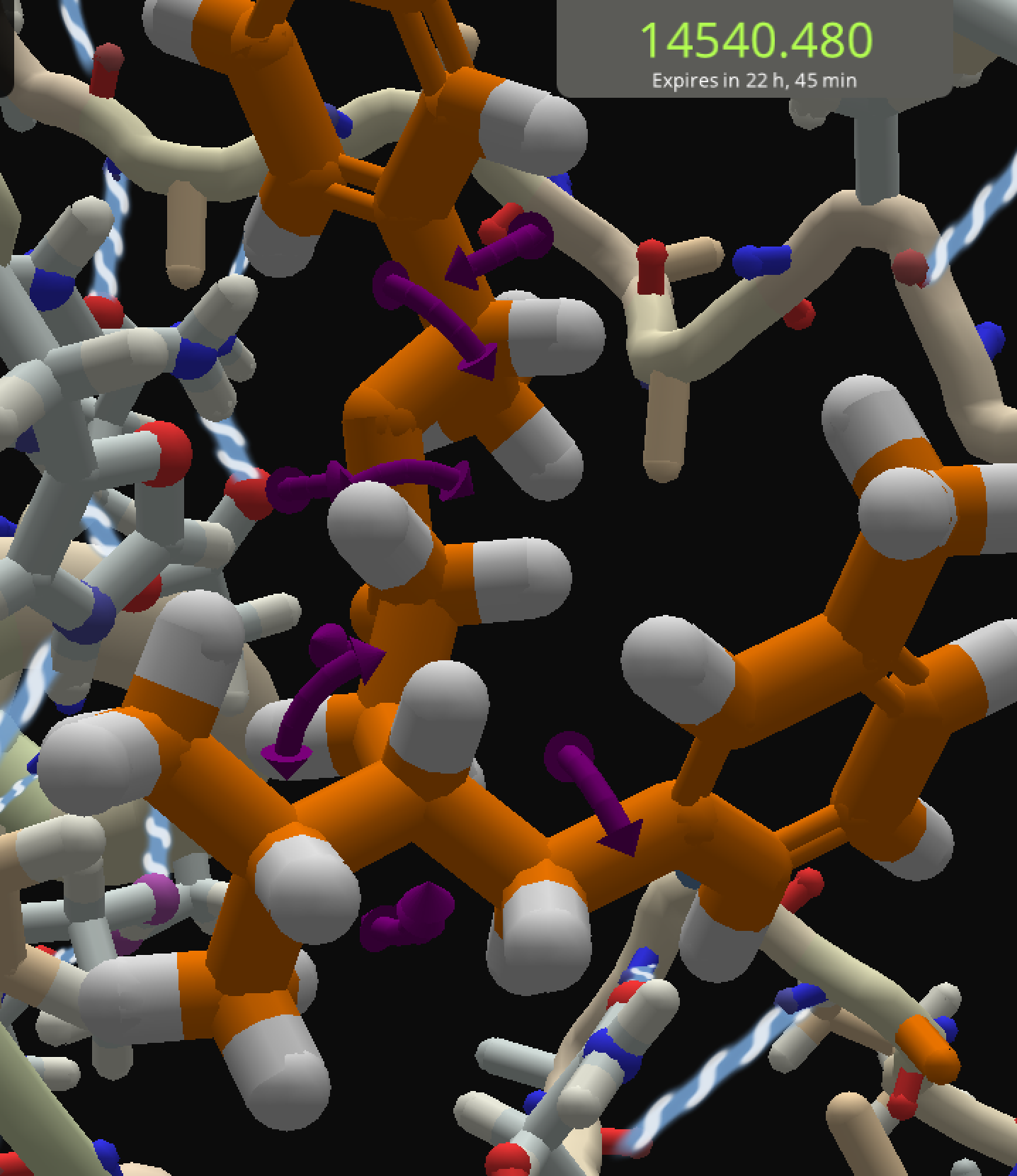
I was working on puzzle 2222, and saw the Torsion Quality score being negative, so selected the ligand and clicked the K tool. No red/orange fuzz around the bonds with bad torsion. See below. The Torsion Quality score for this pose was -800, so I'd expect SOMETHING to be highlighted ….
I believe you have to check the "show" option on the torsion quality objective to see the red fuzz.
My complaint about the K tweak is that it's too tweaky, too easy to move past a good position. Also the arrows tend to hide out behind the ligand, sometimes only one arrow end is visible.
You indeed need to select the show' checkbox in the dropdown panel.
The color of those arrows is also hardly noticeable. What about some form of bright yellow ?
Purple arrows work better on a white background. Yellow arrows would work better on a black background.
Thank you, @Bletchley Park, I had forgotten to check the show box. Please ignore this bug.
While I'm here though, I was thinking it would be better if the arrows didn't rotate with the bond, as I have trouble (maybe because they're so short) following them around when rotating. I'd prefer being able to position myself to where I could see both ends, then click the direction I want to rotate without having it disappear behind the backbone.
I agree with both the above; perhaps the color could depend on the background color setting?
I like the suggestions. – We'll put them on the list of things to improve.



