LociOiling Lv 1
Normally, areas trimmed away by the trim tool are shown as angular backbone with no sidechains.
In some cases, the trimmed area disappears, with perhaps only fragments visible.
One way to produce this issue is to untrim, then undo the untrim with control+z.
In the control+z case, untrimming again and then trimming again produces inconsistent results. In some cases, the trimmed areas appear normal, in other cases only small fragments are visible.
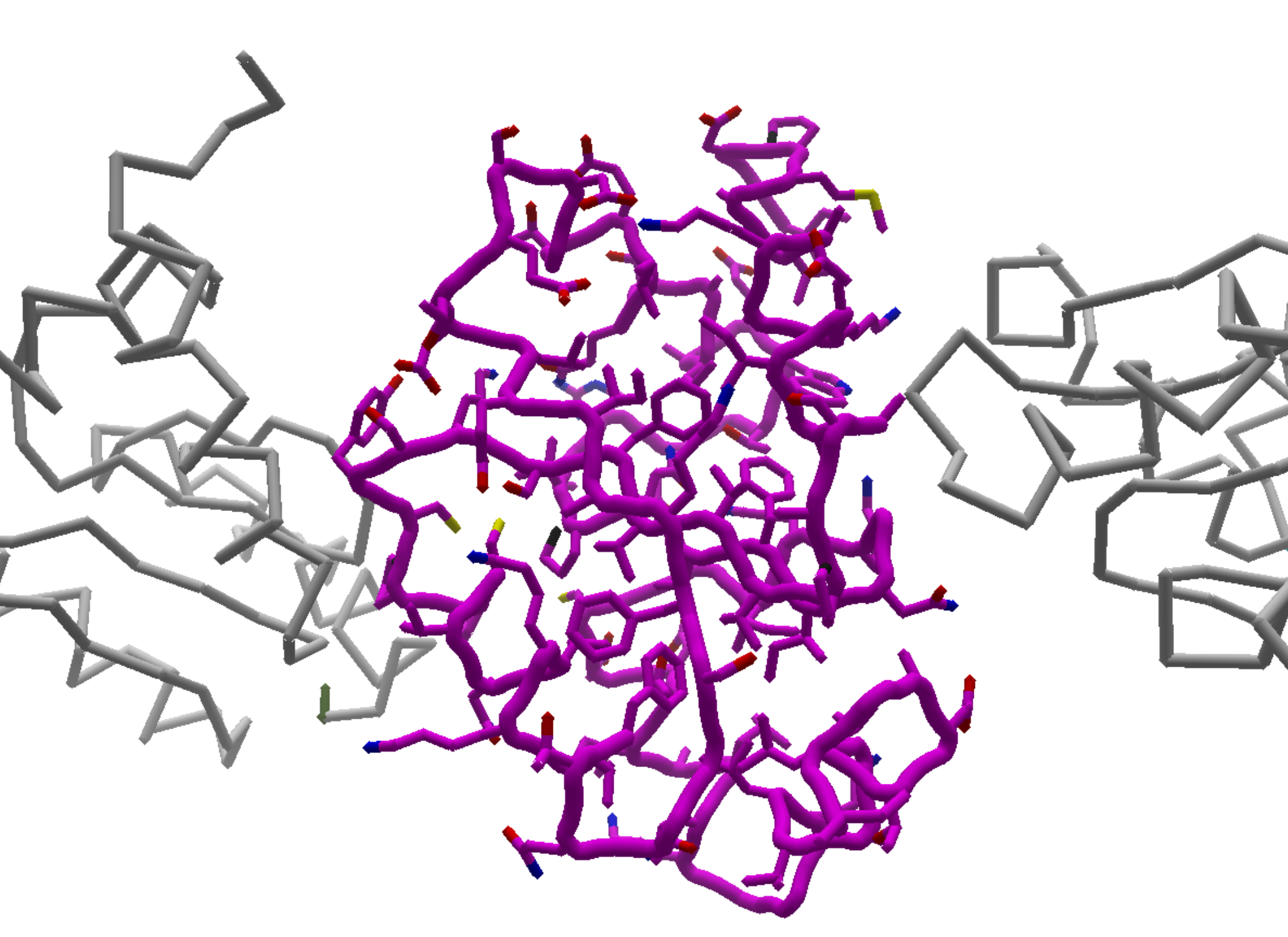
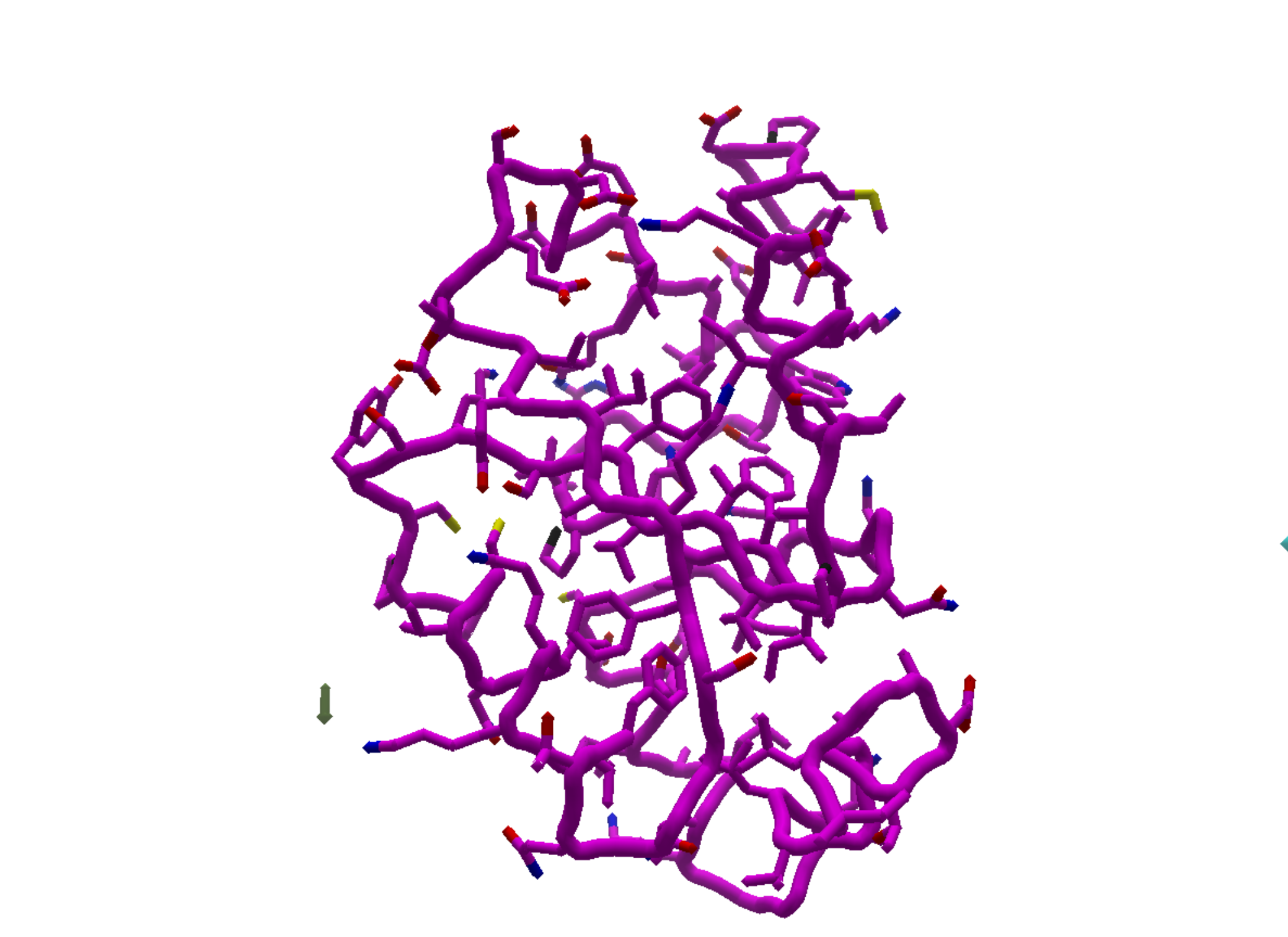
The images below show the normal trimmed appearance, and a case where only two small fragments of the trimmed area are visible. These were produced by trimming around the center chain of puzzle 2309, on Windows 11, V25-20230512-8ec99fe478-win_x64-devprev.
The fragment on the left is segment 1 of the trimmed area, and the fragment on the right is segment 108. The desired trimmed area is 106 segments.
Here's, the normal appearance after the initial trim:
Next, after untrim and then undo, only two small sidechain fragments are visible to the left and right of the middle chain:
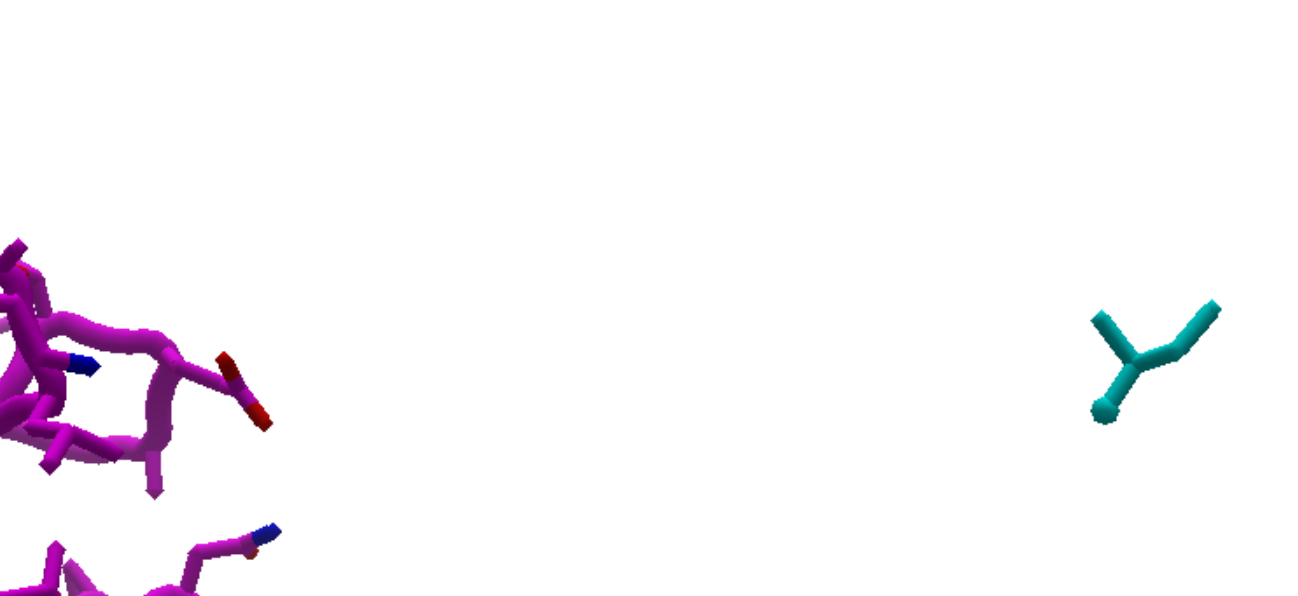
The right-hand fragment isn't fully visible in the previous image. Here's the close-up version. The fragment is over 25 Angstroms away from the nearest sidechain in the trimmed portion.