pepetre Lv 1
.
.

This has been a problem from time to time. Some antivirus software blocks Foldit, apparently because of the chat component. The current version of Foldit for Windows is relatively new, which may not help.
The team needs some more information to help diagnose the problem in this case.
What version of Windows are you using?
Are you using Windows Defender, or something like Norton/Symantic, McAfee, or Kaspersky?
Any logs or screenshots would be helpful. You can attach files to a new post on this thread by dragging and dropping them. The extensions .txt and .log are supported, and also .png. and .jpg.
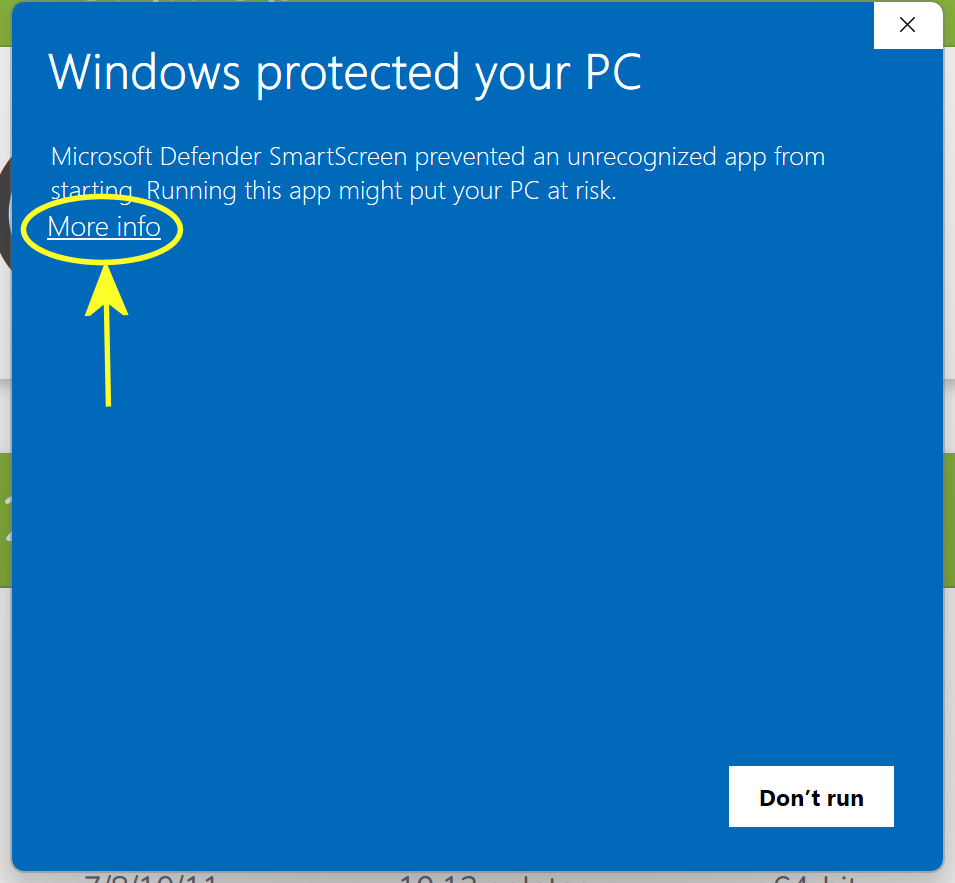
I tried downloading Foldit again, and ran into the same problem. If you're using Windows Defender, you'll see this "Windows protected your PC" message. Click on "More info" to get around that.
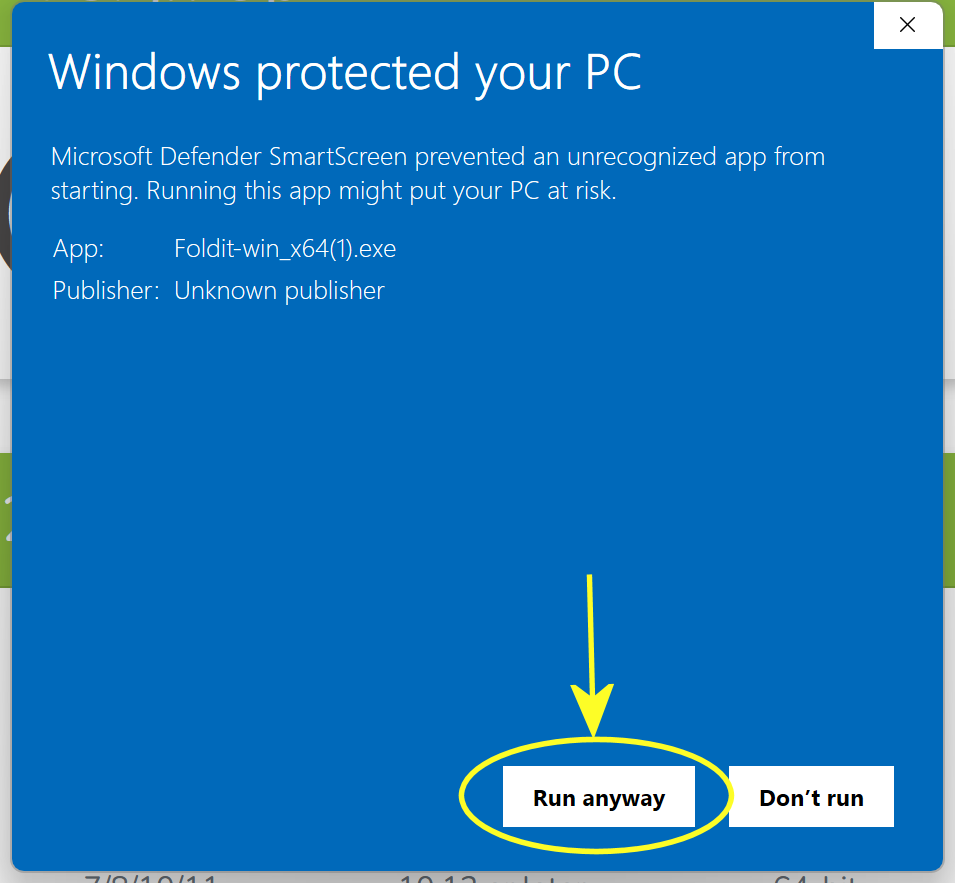
The "More info" link gives you more details about the problem. The "Unknown publisher" appears because Foldit for Windows is not digitally signed.
Clicking "Run anyway" will install Foldit. You may still see a UAC (user account control) message asking whether to allow it to install. The wording is usually "Do you want to allow an app from an unknown publisher to make changes to your device?". Click "Yes" to continue with the installation.
When the installer runs, it asks where you want to install Foldit. The default location is c:\Foldit.
After the installer is complete, you should see a desktop icon for Foldit. When you run Foldit the first time, it will download and install the latest updates. Once the update is complete, Foldit restarts, and you can log in and start playing. After that first update, there's usually another update every month or two. Some updates are quick, while others take a little longer.
The steps above work for Windows Defender. Other antivirus products will probably have a different way to "run anyway" and install Foldit.
For reference, here are the steps once you convince antivirus to run Foldit-win_x64.exe.
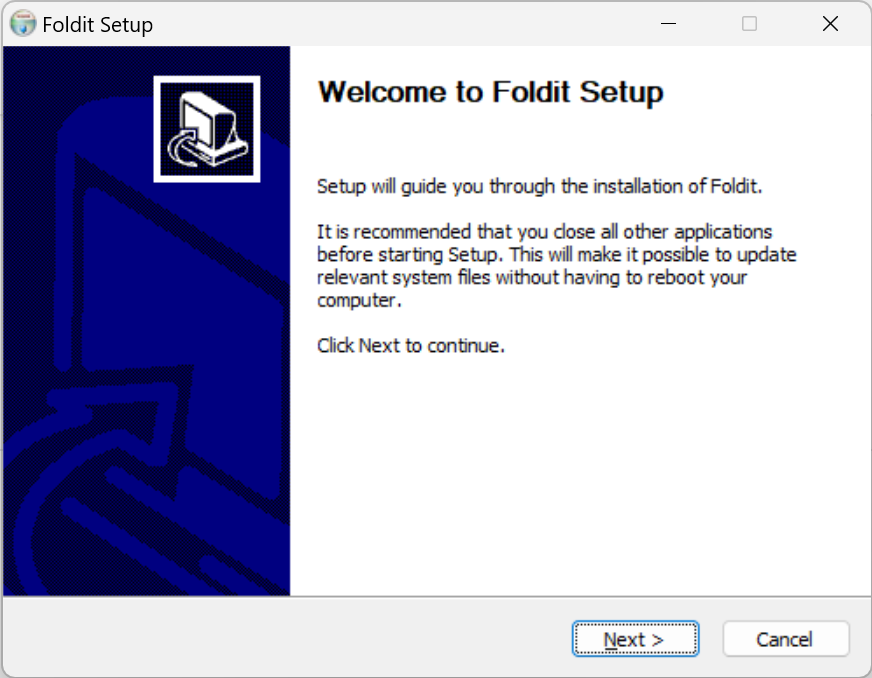
First, you'll get this "Welcome to Foldit Setup" screen. I ignore the part about closing all other applications. Installing Foldit does not normally require a reboot.
The next step is where you can change the install location. Here, mine is set to "c:\Foldit64\FoldY". I have a complicated setup. The default c:\Foldit is good enough to get started.
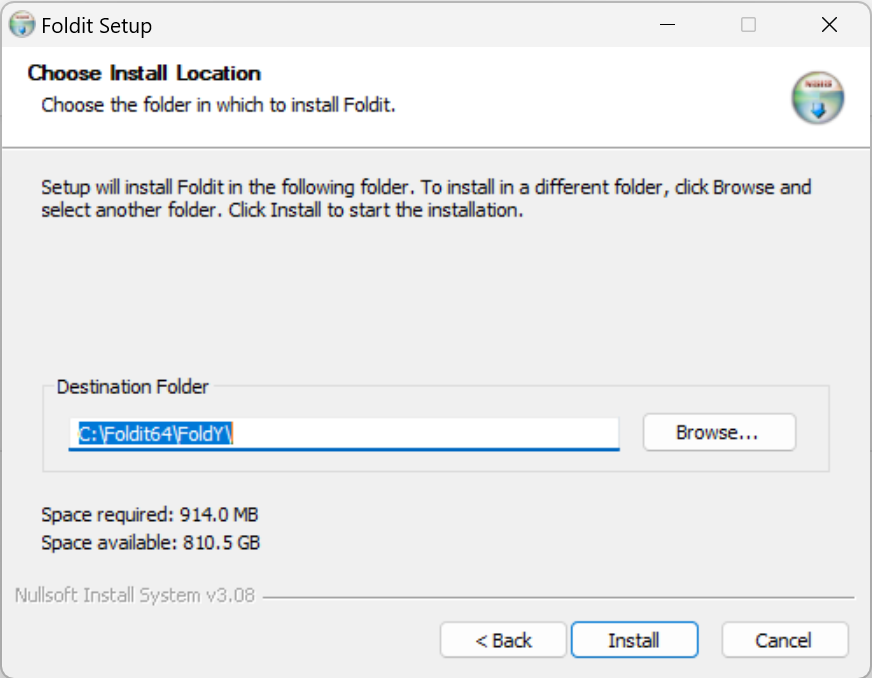
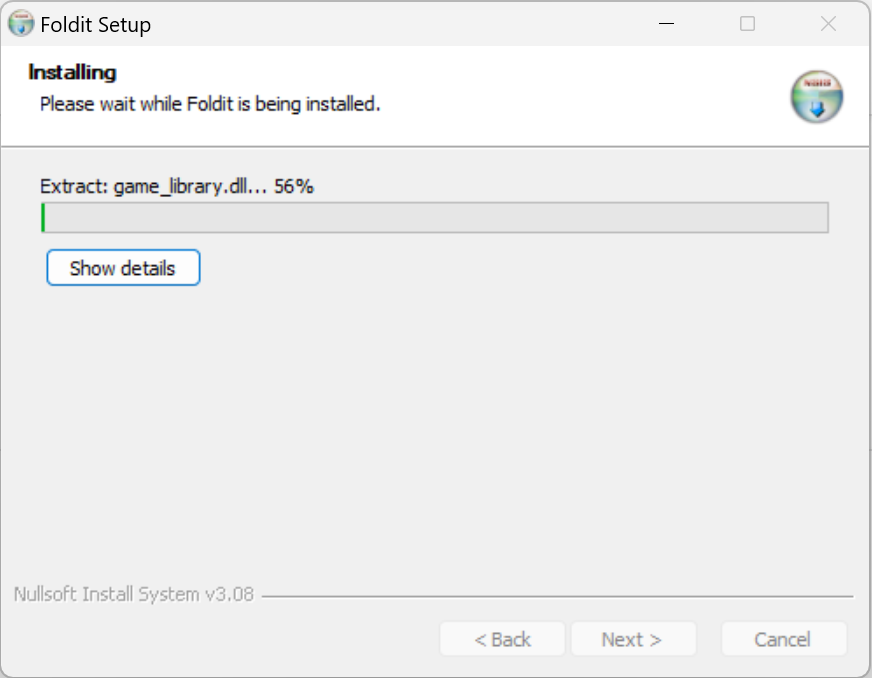
Next, the installer shows its progress.
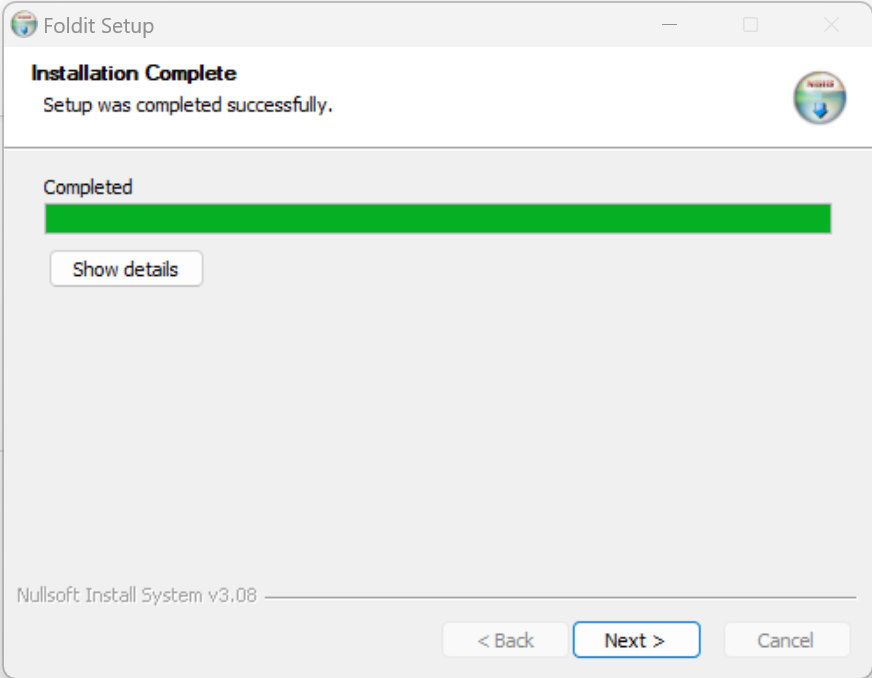
The installer says it's done, and the "Next >" button is active.
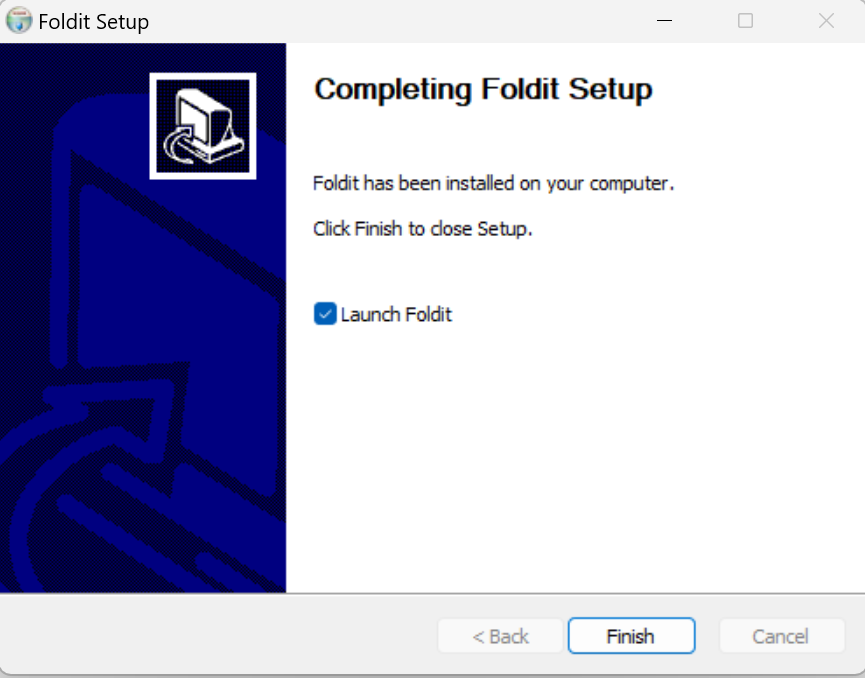
The final screen lets you skip the desktop icon and start Foldit directly. I normally uncheck the "Launch Foldit" box and use the icon instead.