Edit: to sum things up, the online puzzles work as expected in Google Chrome. They're next to impossible on Microsoft Edge or Mozilla Firefox. I haven't tried them on other platforms.
In the first few online puzzles, I'm getting "can't start pull" messages when I try to move a sidechain. Just once in a while, I find the right spot, and can move a sidechain, but it's difficult to repeat. Often, clicking on what should be an atom instead moves the camera, as if clicking on the background.
Probably related, it's difficult to select segments. Sometimes clicking on a segment selects the adjacent segment.
It's seems like a bad map may be involved.
Windows 11, Firefox 142.0.1, and now 143.0.1
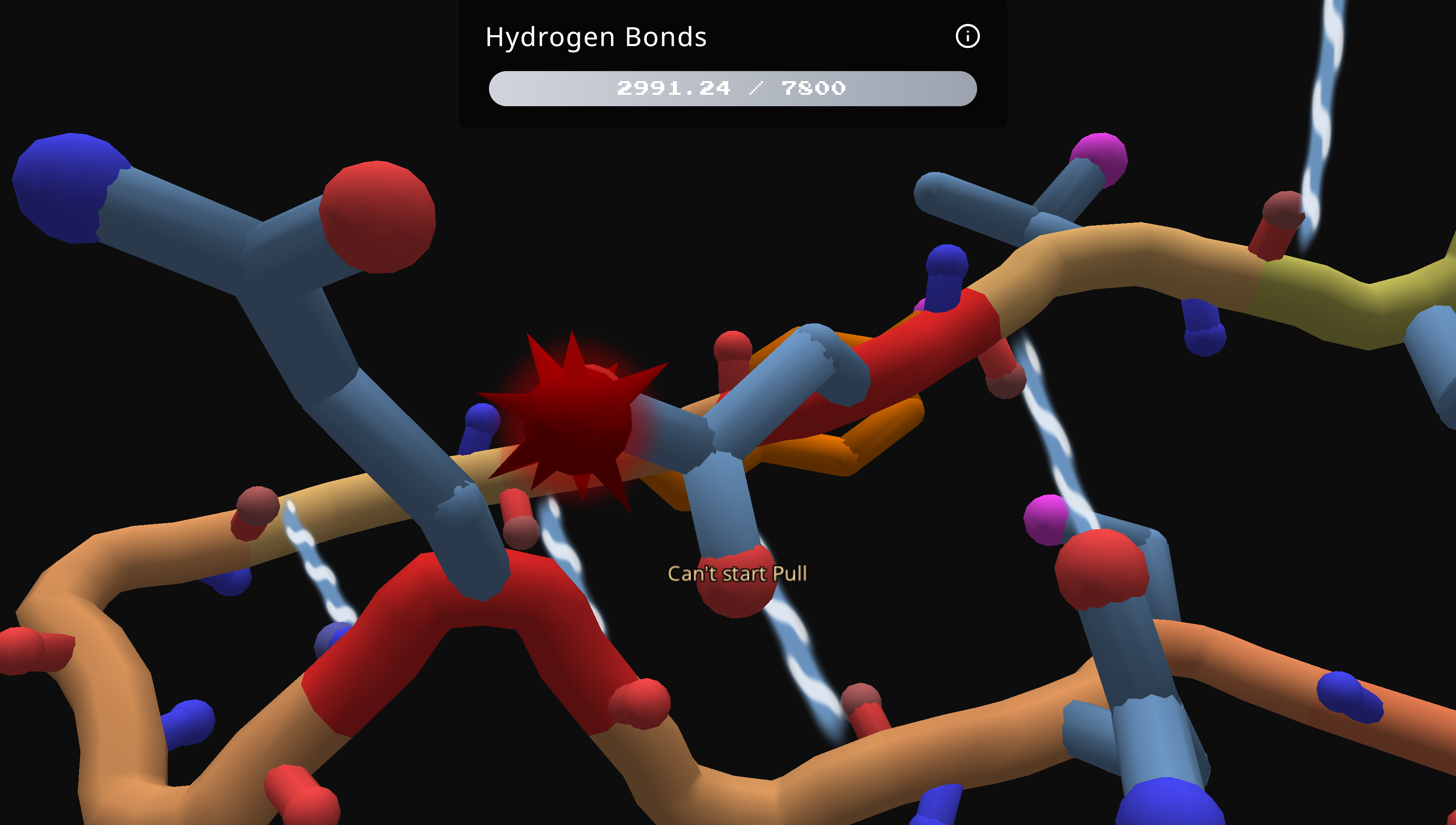
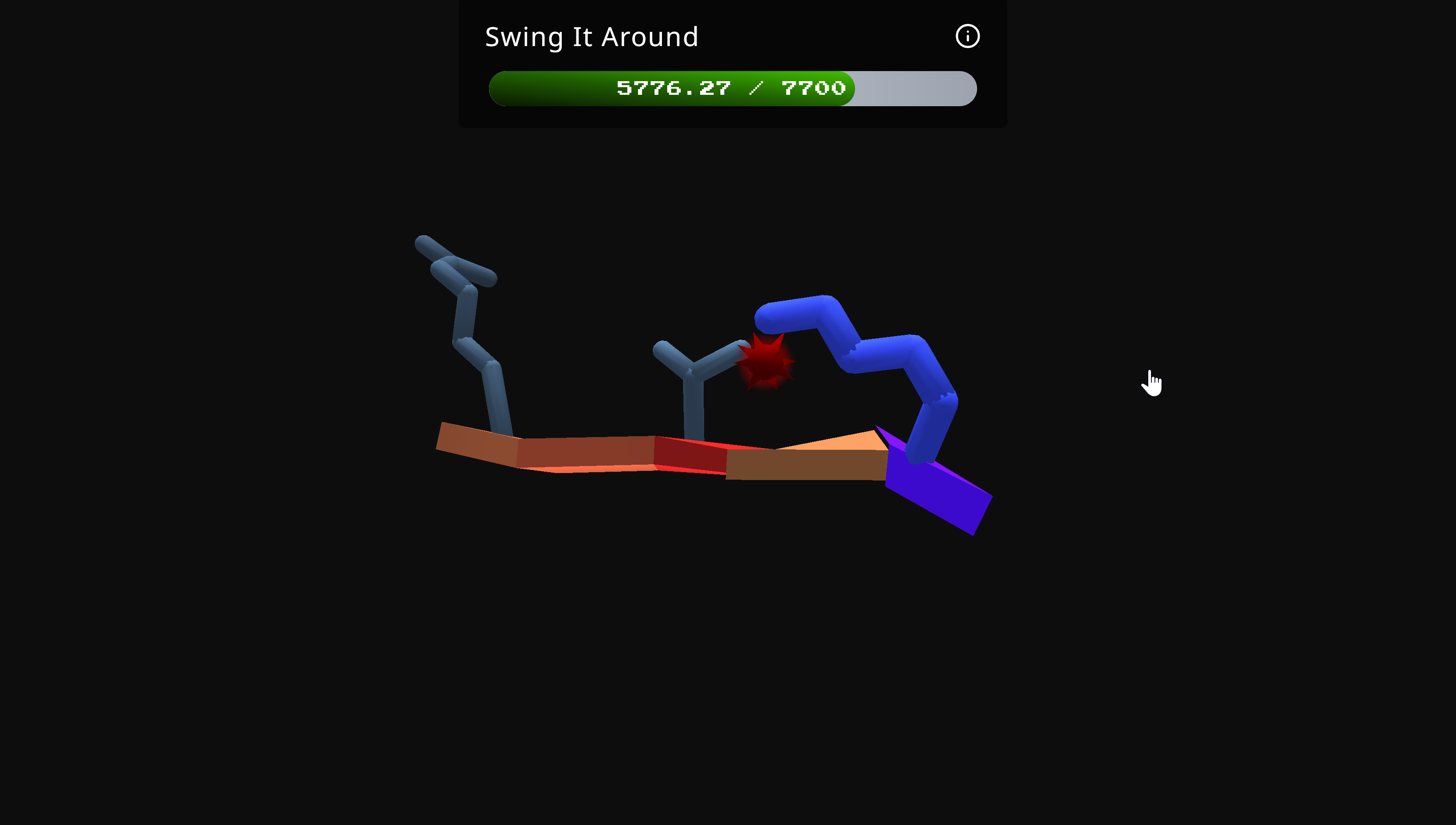
Clickability issues also appear in Microsoft Edge. It seems like clicking well to the right of a segment's backbone often selects the segment. The arrow keys can then be used to move the sidechain. Pulling on the sidechain is still almost impossible.
In this image, the hand icon shows where I clicked to select the segment to the left.
I still can't find a way to pull on a sidechain consistently, but aiming above and to the right works if you keep at it.
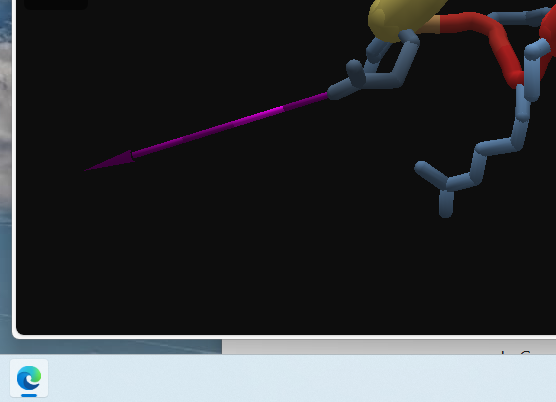
In Google Chrome, clicking and pulling works as expected, so no issues there.
Thank you for pointing these out, Loci!
Indeed play.fold.it has been optimized for Chrome, but we did test it on other browsers as well.
On my Windows 11 Home, version 24H2, it doesn't have that issue using Edge Version 140.0.3485.81 (Official build) (64-bit), it pulls sidechains in the exact same way as on Chrome:
Either way, we should have an initial dialog box (maybe on the right side of the initial splash screen) that says that this is optimize for Chrome, etc. the first time someone launches the browser version.
Loci, I was able to reproduce this on in chrome on a windows machine… hopefully we can figure out what is going on soon.
Thanks again for pointing this out, that is a nasty bug!
curiously i am not able to repro this issue on Chromium (v140, both Chrome and Edge) or Firefox (v141, v143). @LociOiling were there any additional steps that led to issues on Chrome?
I'm not seeing any issues with the Chrome browser. On Windows 10/11, the problems are in Firefox and MS Edge. I'm trying this on three separate computers.
I don't normally use MS Edge, so all the settings are stock. Still no luck getting it to work for online Foldit.
On Firefox, I've tried disabling my ad blocker and playing in a private window. Neither of these variations made a difference.
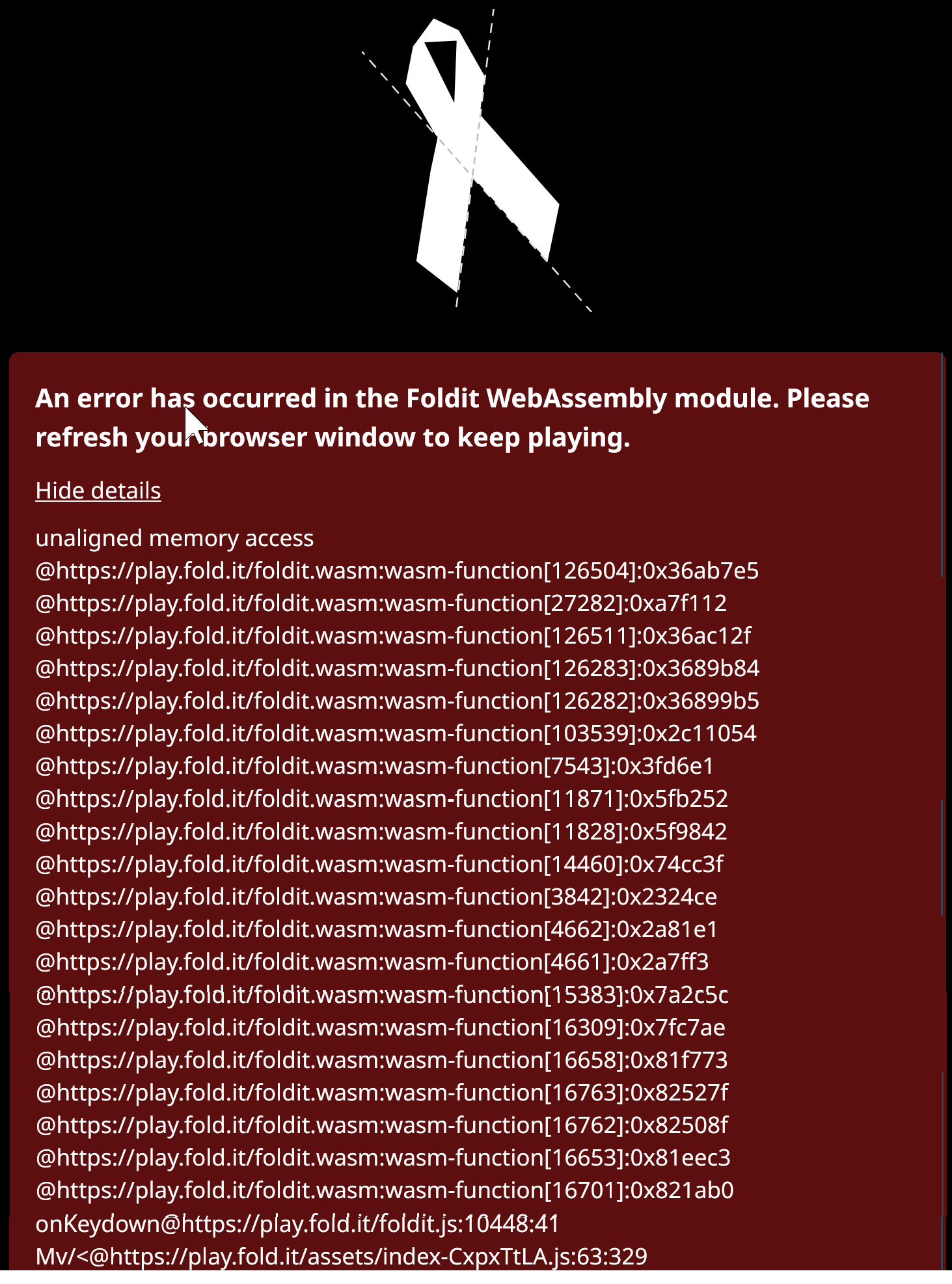
I did manage to crash the game by clicking.The traceback info is shown below. I stitched together multiple screenshots to get the image below. There doesn't seem to be a way to copy the whole thing.
And today, it's started working as expected in Firefox and MS Edge on a formerly Windows 10 desktop that was recently updated to Windows 11. It wasn't working on a Windows 11 laptop when I made the last post an hour or so ago. I'll try there again….
Still stuck on the Windows 11 laptop, in both Firefox and MS Edge. I had rebooted the laptop a little earlier. I tried clearing the cache in both browsers, but this had no effect. (I notice that the "downloading" message at the start only appears sometimes, so I'm assuming something gets cached.)
No idea of why it works on one computer and not the other.


