Microsoft may try to defend you against downloading the new Foldit. I'm not quite sure if it's worse than with the old version.
On my current system(s), I'm just using the built-in Microsoft Windows Defender, no third-party antivirus software is installed.
When I download the Foldit installer using Firefox, everything is fine until I try to run the installer.
Then Windows Defender pops up this message:
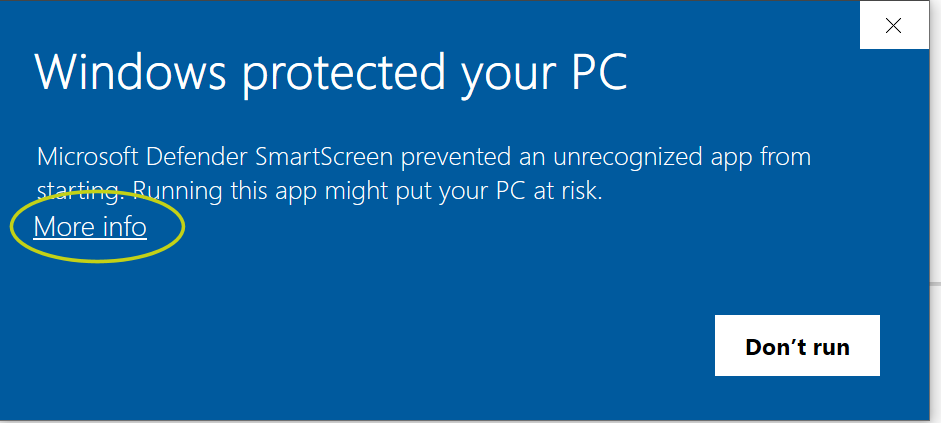
I'll post the next step in a new post, since don't know if there's a way to control the size of these images.
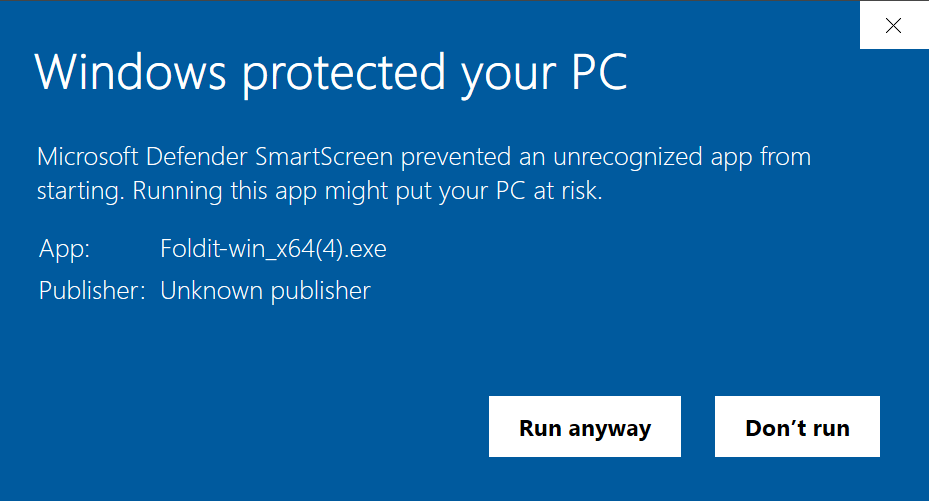
After clicking "More info" on the initial warning screen, you'll get a little more detail and the chance to "Run anyway".
For Foldit, "Run anyway" is the way to go.
(In this example, the file is "Foldit-win_x64(4).exe". The "(4)" is there because I've downloaded this file several times already.)
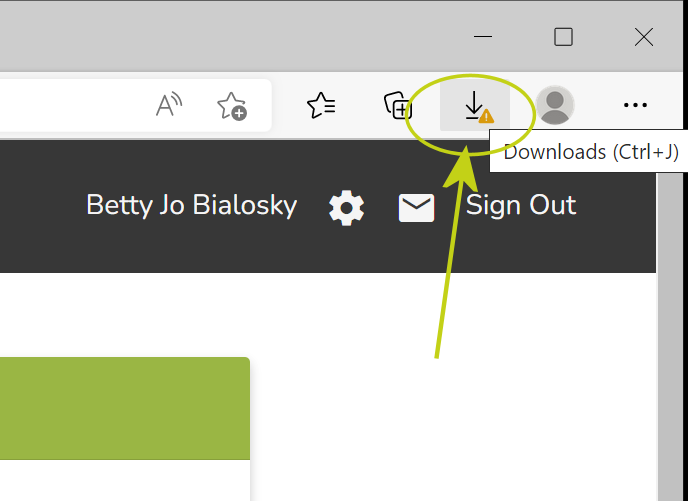
When you download using Microsoft Edge as your browser, things get more complicated still. You may see a warning triangle next to the download icon at the top of the Edge window.
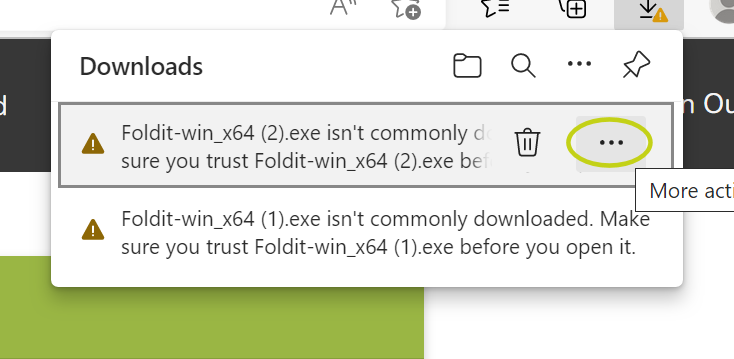
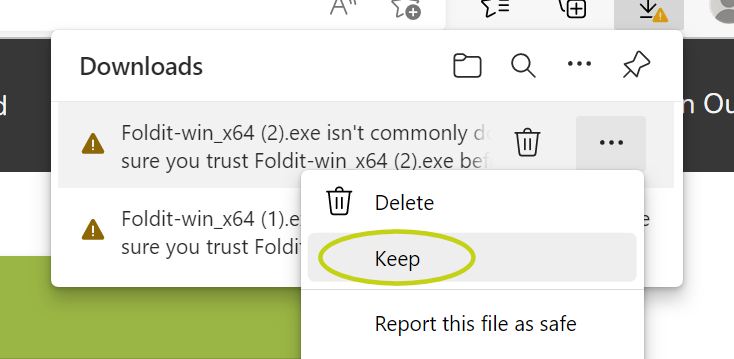
When you open the downloads list in Edge, you may see one or more messages like the ones shown here.
Clicking on "…" gives you more options.
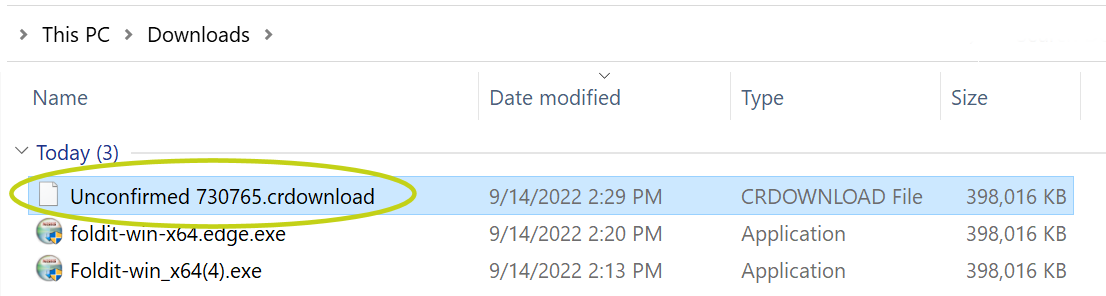
In your download directory, you'll see a file with the extension ".crdownload". This is the Foldit installer that Windows Defender thinks is risky.
At this point, you can actually just rename the crdownload file with an ".exe" extension an run it. Notice that happens to be the same size as the other two downloads.
If you prefer to stick with the official route, click "…" on the download entry in Edge, then select "Keep".
You're not done yet.
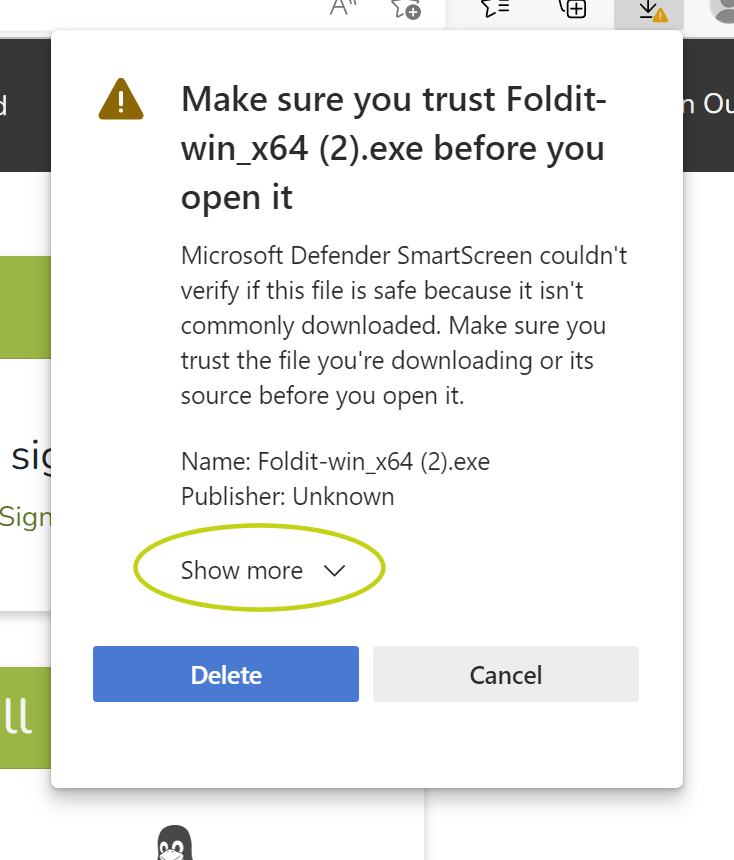
You'll next see something like this one, where you again need to click "Show more".
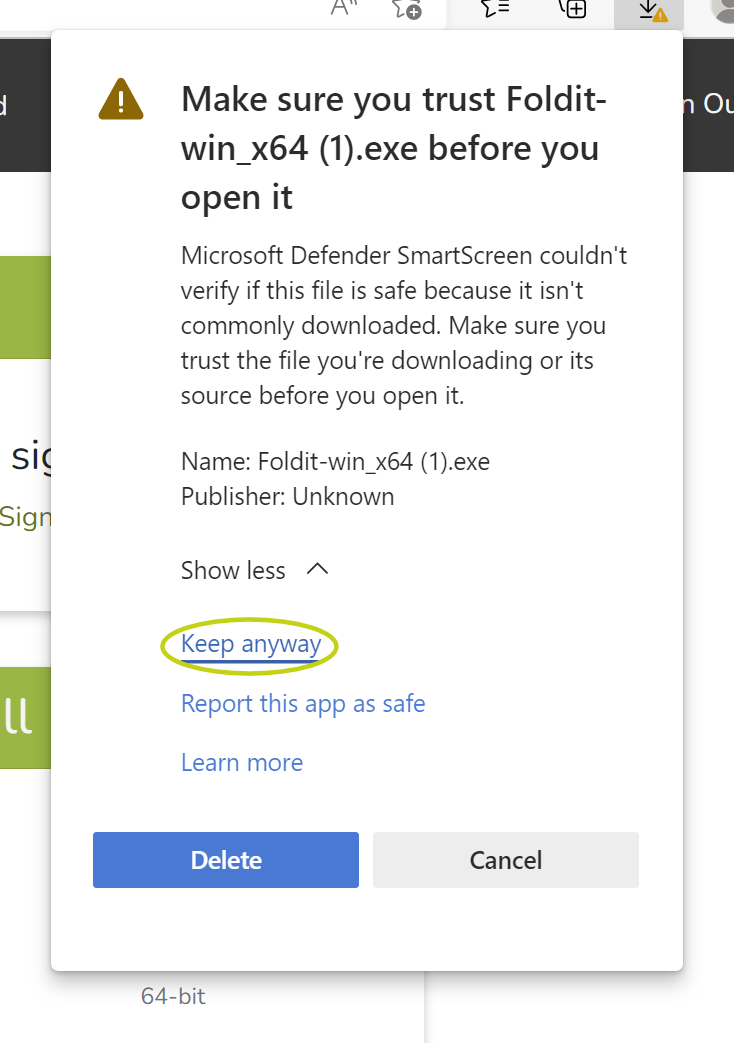
Finally, you'll get to the point where you can tell it to keep the file.
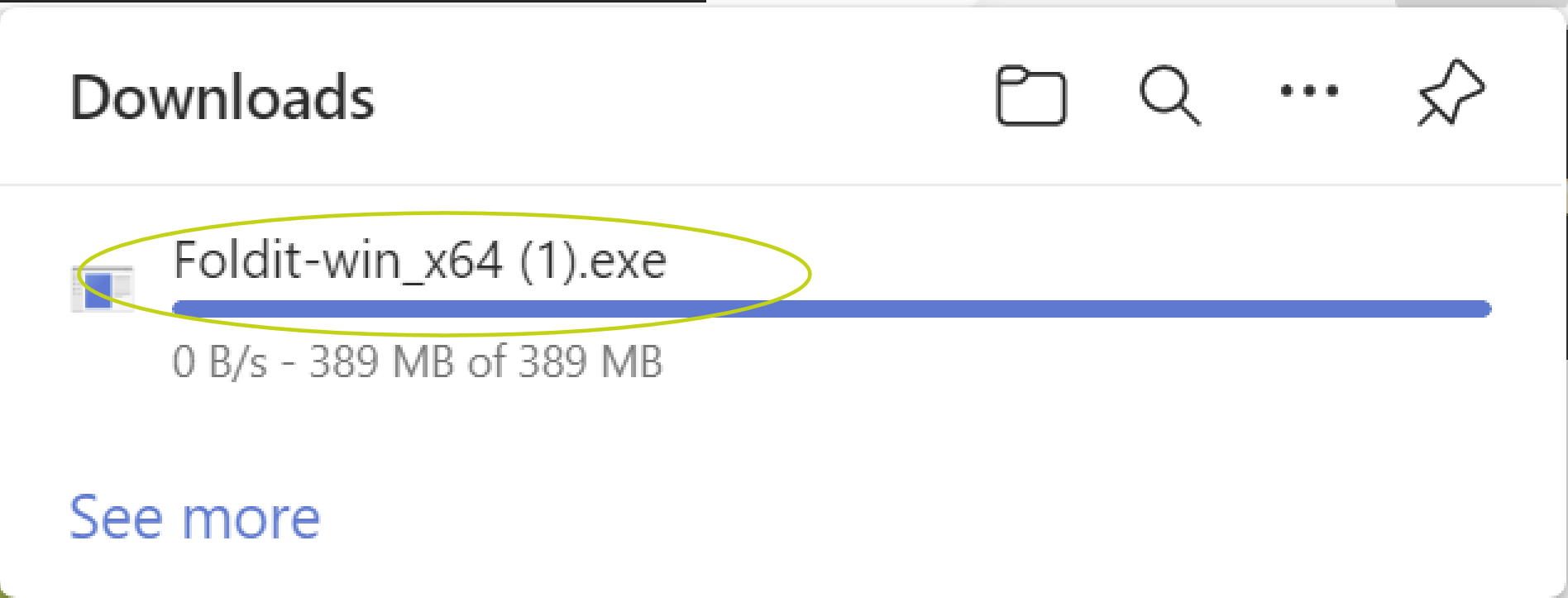
Once you've clicked through all the steps above, the downloads area in Edge should show a more familiar file name, no more ".crdownload".
In the example below, the filename is back to "Foldit-win_x64 (1).exe" for unclear reasons. I expected "(5)" or "(6)" after several tests.
At this point, you'll be able to actually run the installer. You will, however, still need to click through the two Windows Defender screens shown in the first two posts in this thread.
当我运行这个exe文件时,出现了这个:Extract: error writing to file Foldit.exe

