WBarme1234 Lv 1
I can't see the electron density 'cloud' anymore. Any help?
I can't see the electron density 'cloud' anymore. Any help?

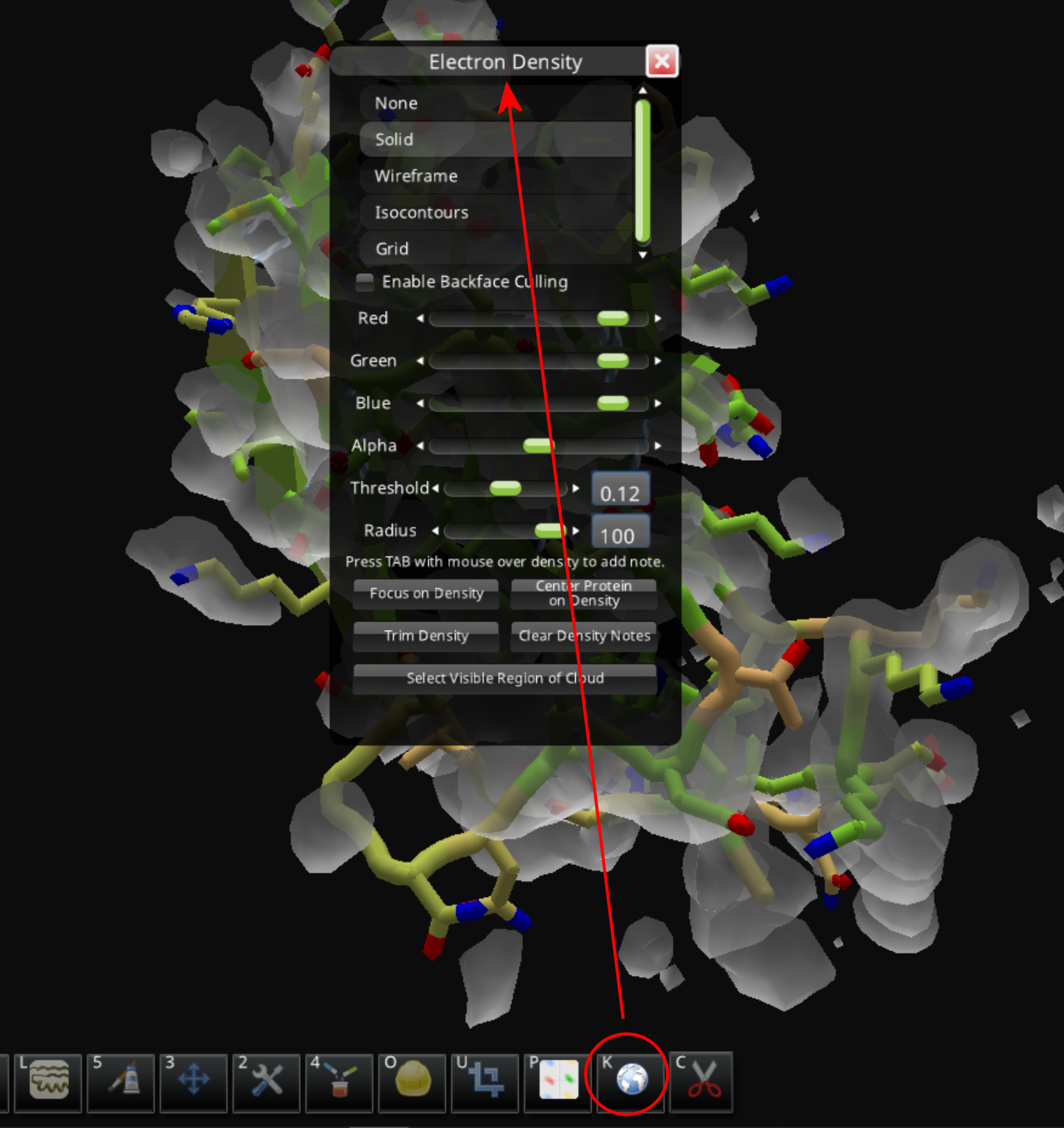
The electron density panel opens when you click on the "globe" icon or use the "K" keyboard shortcut (really a lowercase "k").
If "None" is selected in the top section, you won't see any density. "Solid" or "Wireframe" are usually the most helpful views.