Good news, online mode seems to be working on the Lenovo Windows 11 laptop using Firefox 144.0.2. I saw an "updating" message at the start, but it stalled at 68%. After refreshing, "updating" appeared again and quickly completed.
Similar results in Chrome on the same system. On Chrome, the "updating" part went smoothly, but then it was slow to actually start up. Once it got going, it was fine, once again no pointer difficulties.
A-OK on a somewhat ancient Lenovo desktop, currently Windows 11, started life as Windows 8. Firefox and Chrome both seem fine on the first three puzzles.
Likewise on a Windows 10 VM running in Unraid. Firefox and Chrome updated smoothly, and mouse clicks seem all better now.
One thing I noticed is that in "Hide the Hydrophobics", it mentions the "yellow bubble", but the bubble doesn't seem to be enabled by default.
On the first screen, the "login menu" and "options" buttons appear, but don't seem to do anything. The login menu button appears in the same color as "Play Foldit", which seems to imply it does something. The options button is greyer, which might suggest it's not operational. Maybe these fields could be hidden until they have a function.
@apetrides yes, for the Linux desktop. But it could be because of the old Firefox version.
Generally faster if I try on Windows 10 or even mobile.
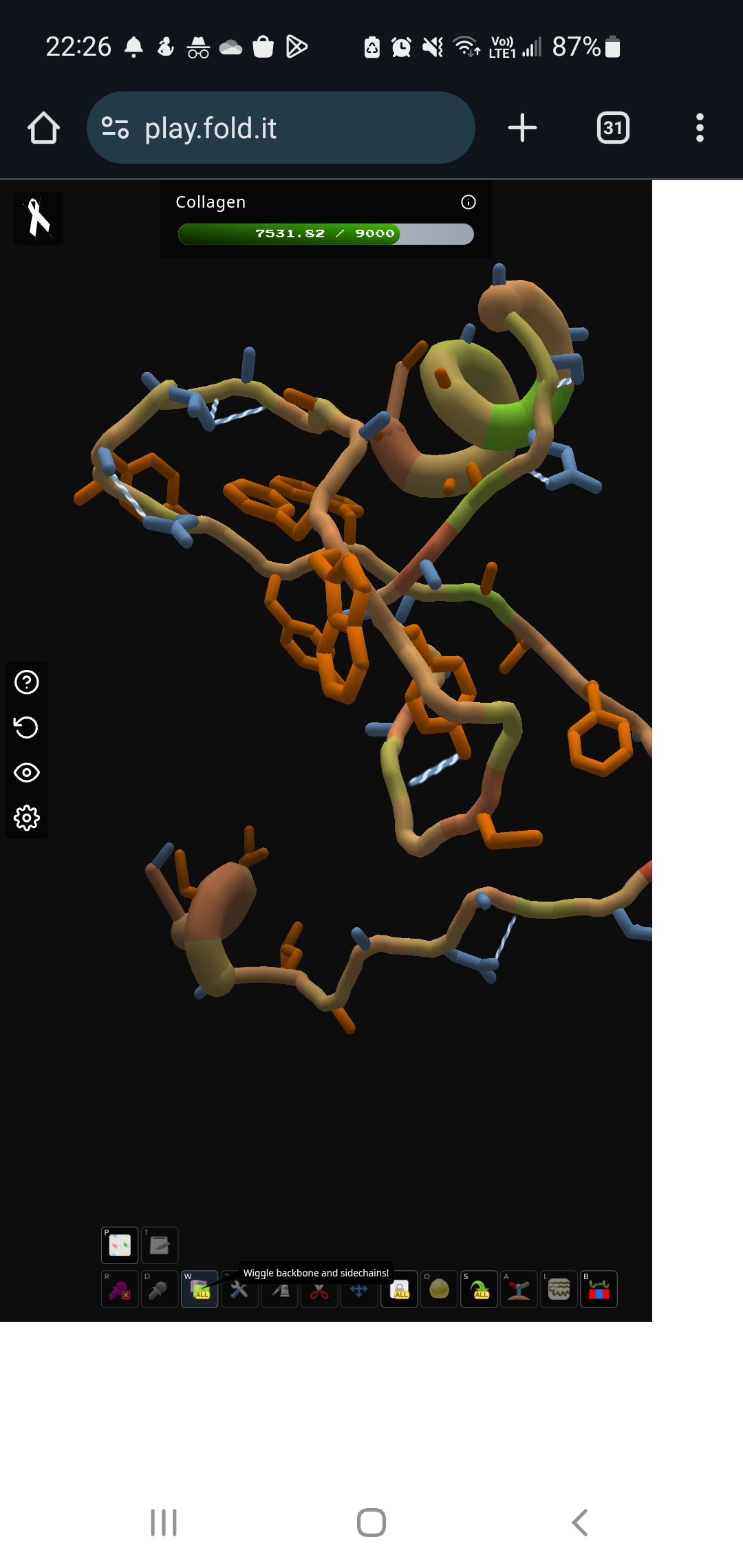
New test: on mobile phone!
Device: Samsung Galaxy S10, 8GB RAM
Browser: Chrome
Interestingly, it works well and loads faster than my test on Linux. Folding with finger is really fun to play with. Though it's a bit tricky to do all the pulling/rotating actions with fingers.
Note that need to use the "Desktop Mode" of the browser, otherwise the buttons at the bottom are out of the screen.